App Information
App Name Nuvio
Category Entertainment
Publisher Nuvio Media
Version 1.4.1
Size 100.1 MB
Package Name com.nuvio.app
Platform Android
Device Support 7.0 and up
Price Free
User Rating 4.4/5
Total Downloads 112,524
Age Rating 3+

Nuvio Media Organizer
Nuvio is a modern media organizer built for people who want a cleaner, more flexible way to discover, organize, and enjoy movies and TV shows across all their devices. Instead of trapping your watch history, collections, and progress on a single platform, Nuvio keeps your experience consistent everywhere, with a synchronized library, thoughtful discovery, user profiles, and Trakt integration across compatible platforms.
Whether you are installing Nuvio for the first time or updating to the latest version on your preferred device, this guide walks through everything step by step: downloading the app, checking supported platforms and requirements, completing first-time setup, and getting the most from everyday use.
This is more than a short installation tutorial. It is a complete starting point that helps new and experienced users alike understand how Nuvio works, where it can be installed, and what to know before you begin, so your library is organized properly from day one.
Screenshots
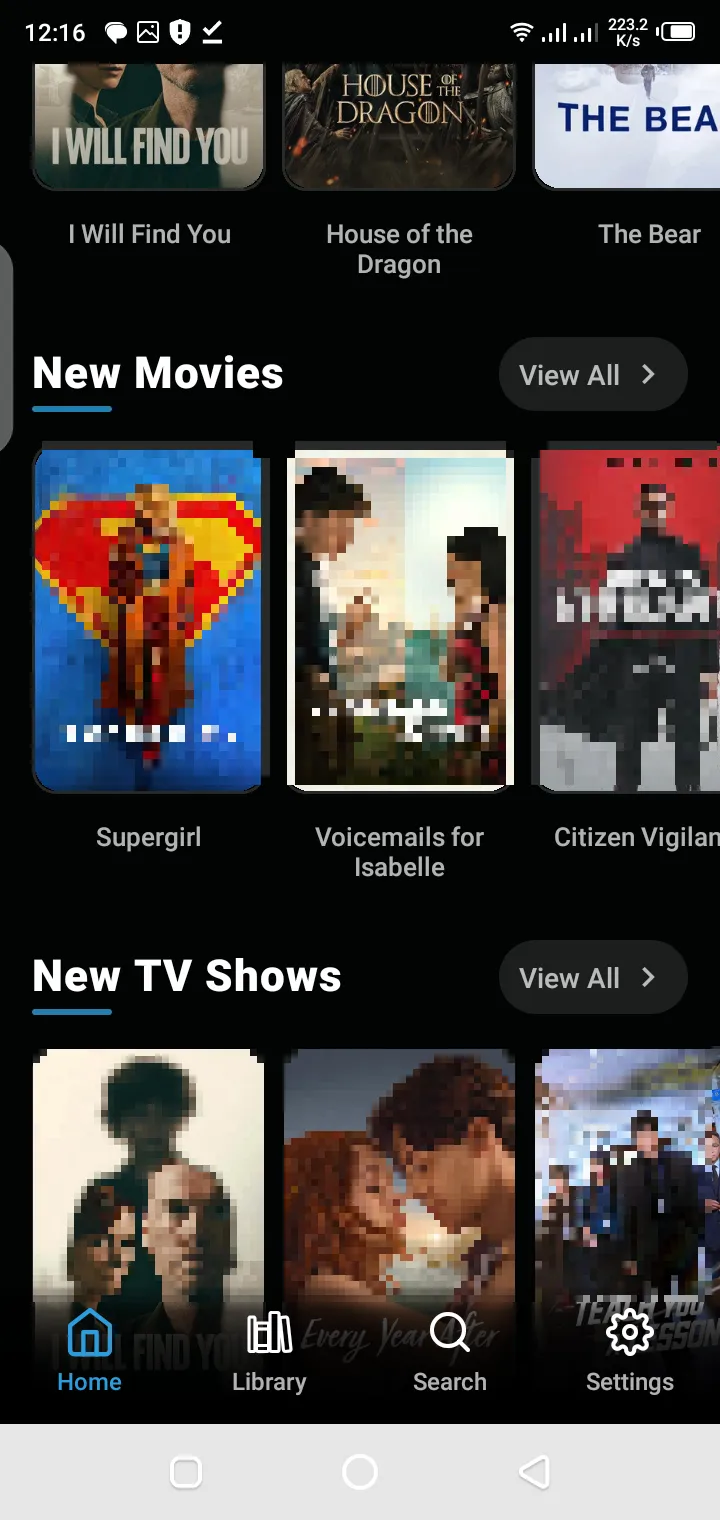
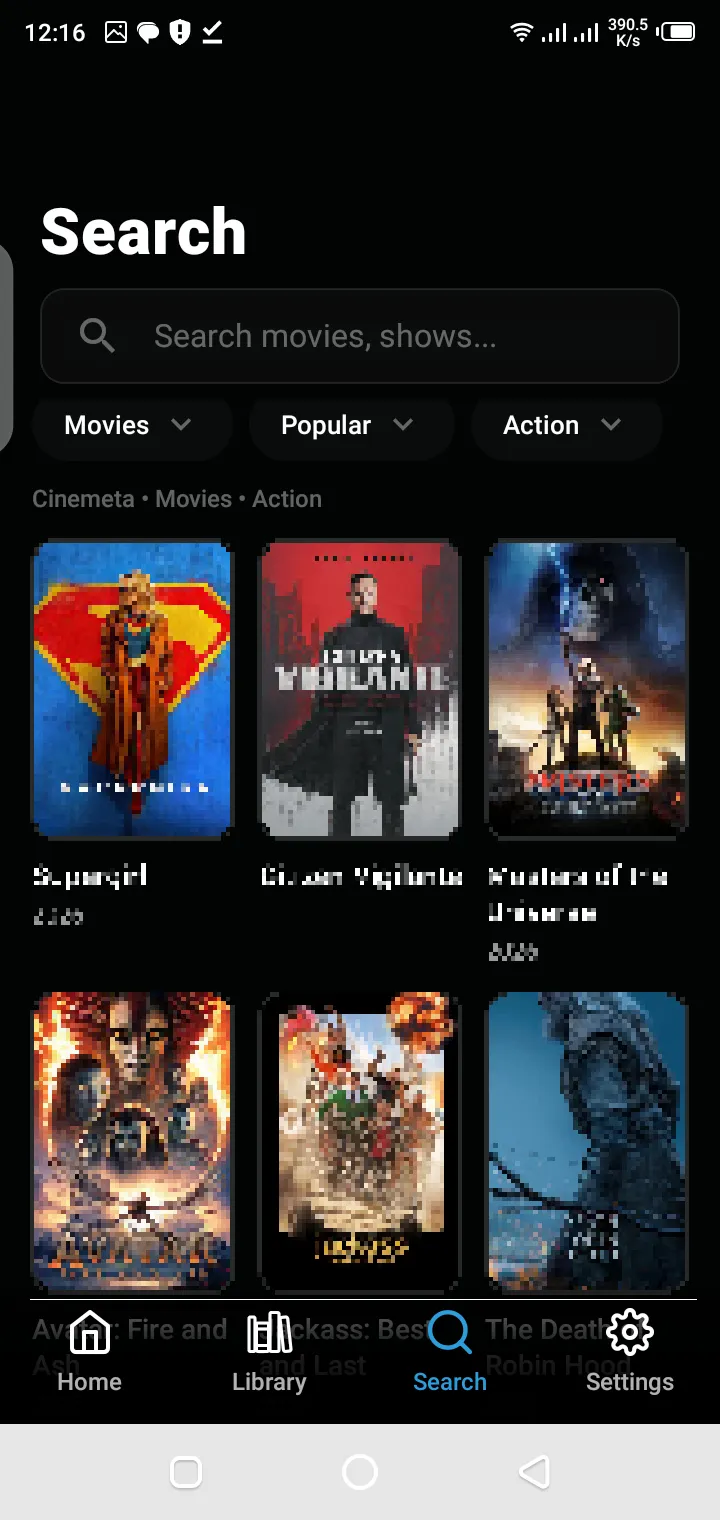
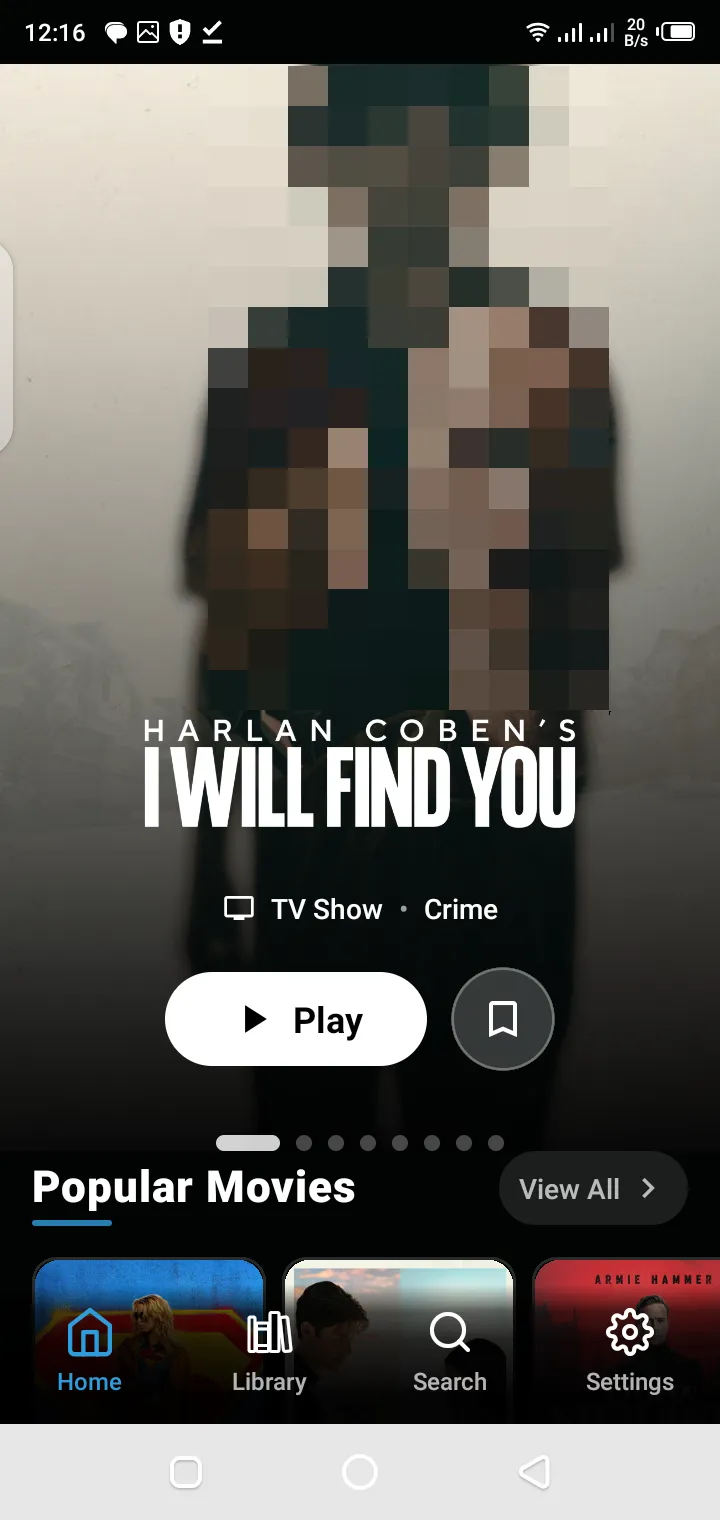
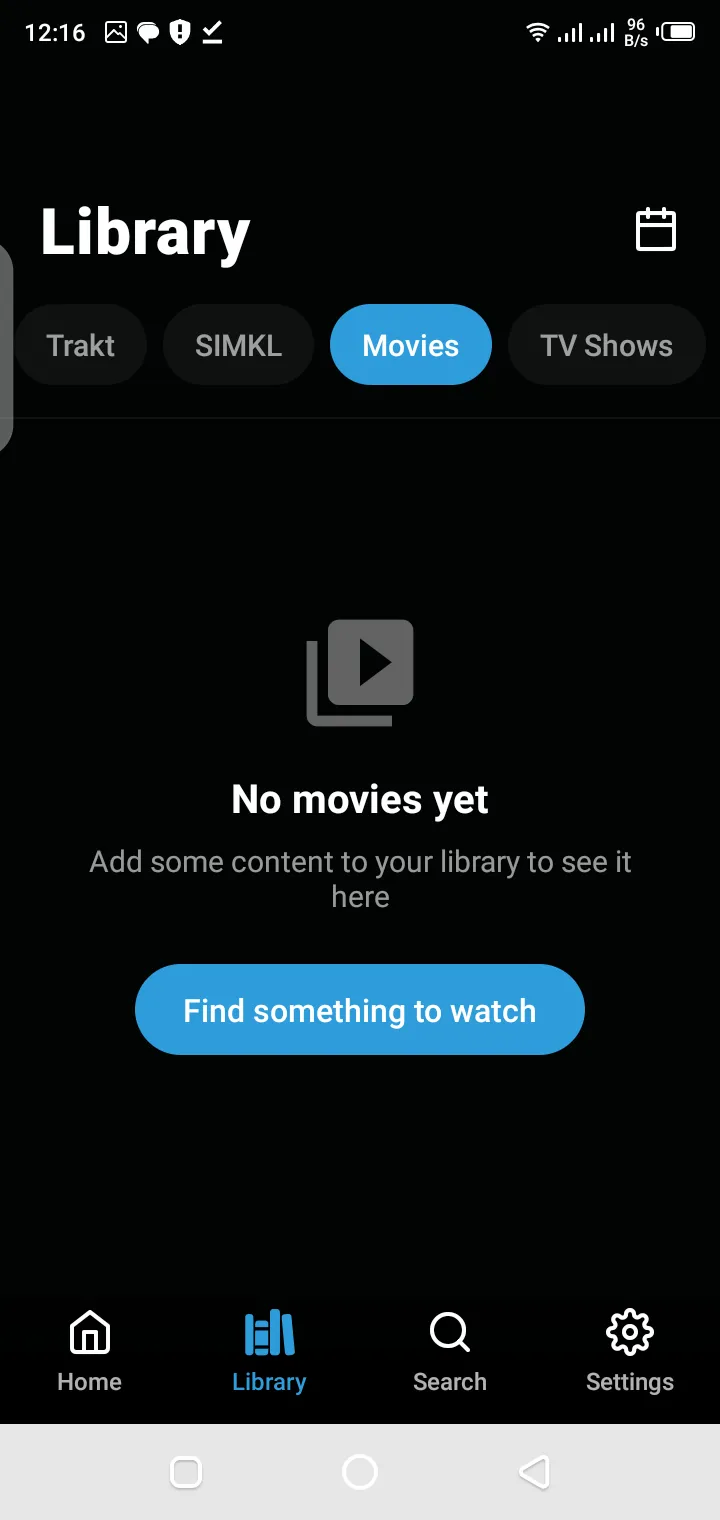
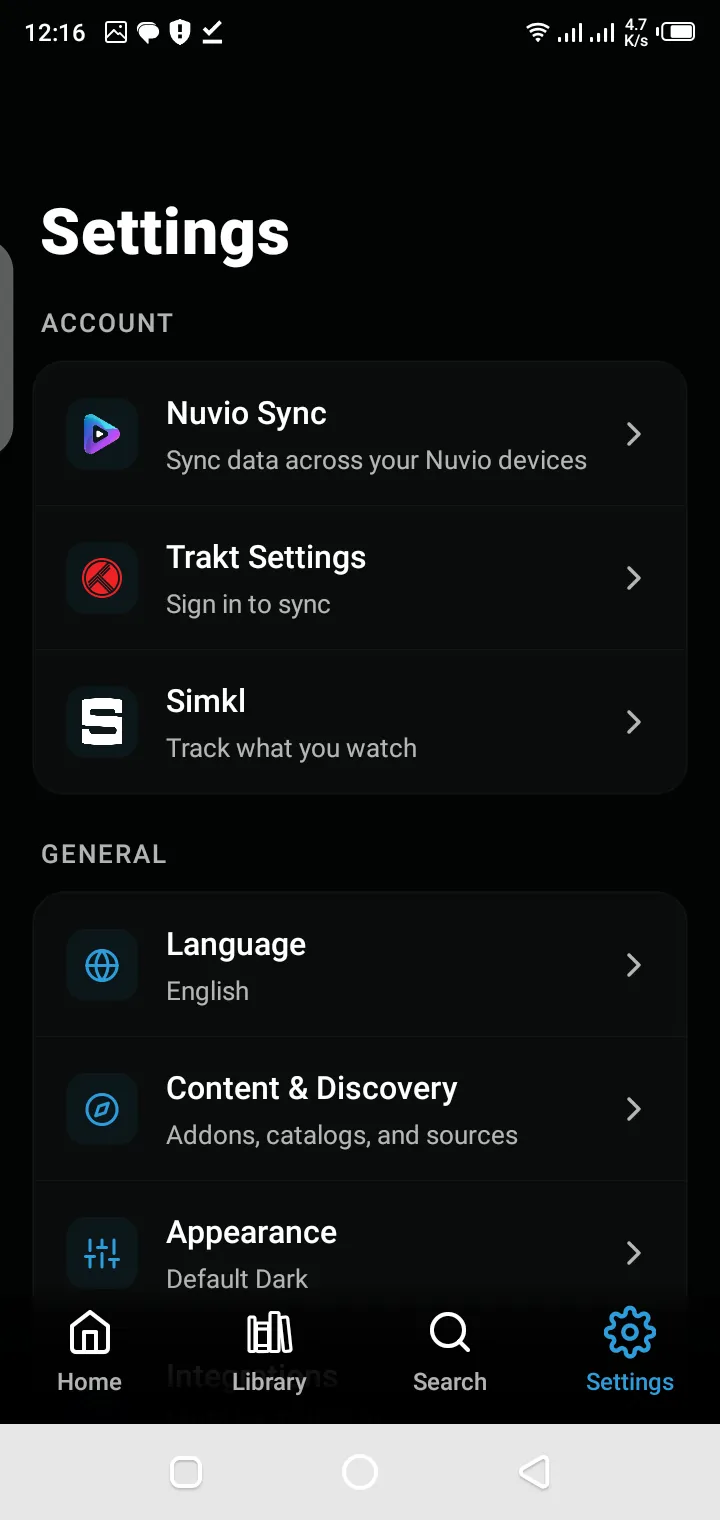
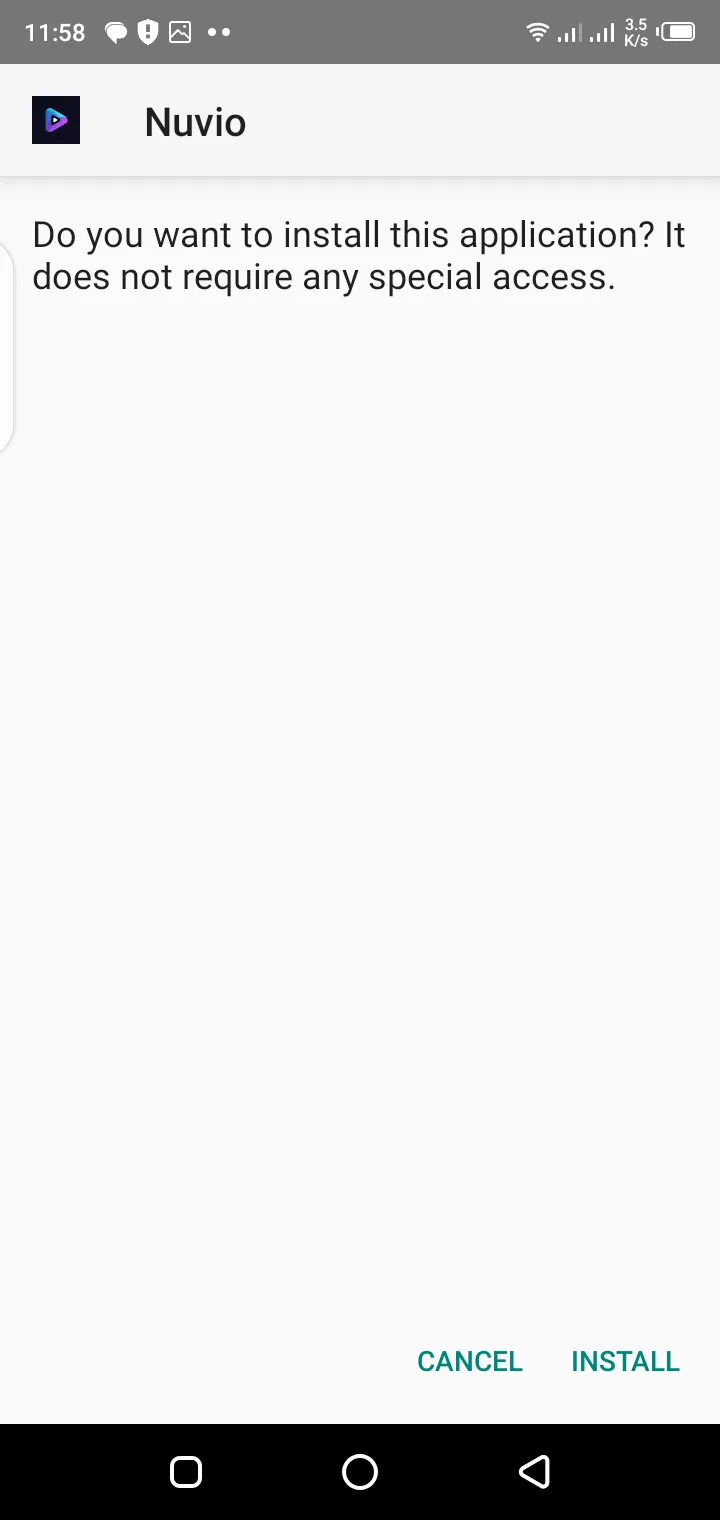
Nuvio is a cross-platform media organizer created to simplify how you browse, organize, and keep track of movies and television shows. It pairs a modern interface with synchronization features that keep your library and watch progress available across your supported devices. The official project spans mobile, TV, desktop, and WebOS environments, so you can move between screens without losing your place.
Unlike a traditional media library where data sits isolated on one device, Nuvio is designed as a connected viewing experience. Your collections, profiles, playback progress, and supported integrations stay available wherever you use the app.
That makes Nuvio a natural fit for anyone who regularly switches between a smartphone, a tablet, a television, a desktop computer, and streaming devices during the week.
---
Choosing a media organizer is about more than how it looks. Long-term satisfaction depends on synchronization, device compatibility, performance, and the overall viewing experience, and Nuvio is designed around exactly those practical requirements.
Nuvio brings these capabilities together in one application:
Together they let you maintain a single organized media library instead of juggling separate viewing histories on every device you own.
---
One of Nuvio's strongest advantages is how widely it is available. The app reaches most of the screens a household already owns, so your library is never locked to a single device.
The installation process differs slightly from platform to platform, yet the experience stays consistent once you are inside the app.
Supported platforms include:
The official Nuvio project continues to expand platform support while keeping one unified viewing experience across every device.
---
A few minutes of preparation before installation prevents nearly every common setup problem. Checking that your device is compatible, your connection is stable, and your operating system is current gives the installer a clean environment to work in, and gives you a smooth first run of the app afterwards.
For the best experience, install the version that matches your operating system and hardware.
Different devices may receive different application builds that are optimized for their interface and navigation model.
Examples include:
Using the correct version helps improve performance and navigation.
---
Nuvio depends on internet connectivity for account synchronization, metadata retrieval, and supported online features.
A stable internet connection helps ensure:
---
Keeping your operating system updated improves compatibility with newer Nuvio releases.
Updated operating systems generally provide:
---
Installing Nuvio follows the standard pattern for your platform: download the correct build for your device, run the installer or open the package, and grant the permissions the app requests so it can set itself up properly.
On Android, that means allowing installation from the source you downloaded the APK from when prompted. On desktop platforms, it means following the installer through to completion like any other application.
When installation finishes, launch Nuvio once to confirm it opens cleanly before moving on to setup. A verified install is the foundation everything else in this guide builds on.
After installation, users can begin organizing their media library and configuring available integrations.
---
Download the application.
Install the application.
Open Nuvio.
Complete the initial setup.
First-time setup is where Nuvio becomes yours. Signing in with your account connects your library, collections, and progress to your profile rather than to a single device, so everything you build from here follows you to every screen.
Set your language preferences during setup, including subtitle and audio defaults, and connect Trakt if you use it, so your watch history is protected and synchronized from the very first title you play.
Finally, seed your library with the series you are currently watching and a short, honest watchlist. A small, deliberate library teaches you the app's organization faster than importing everything at once.
---
Organization is the feature you will feel every day. Collections let you group titles by your own logic, a complete saga, a director's works, a set of family favourites, while lists handle short-term planning such as a weekend watchlist.
Sorting and filtering complete the system. Sort by recently added, title, or year, and filter by genre or watched status, and a library of hundreds becomes a shortlist of five in seconds.
Keep the habit light and continuous: file titles when you save them, mark episodes watched as you finish them, and prune occasionally. A library maintained in small steps never needs a rescue operation.
---
Synchronization is what turns separate devices into one viewing system. When you stop an episode on your phone, Nuvio records the position in your profile, and your television offers the same episode at the same point when you sit down in the evening.
For sync to work its quiet magic, stay signed in on every device and give the app a connection at the start and end of a session, so progress can upload and download cleanly.
With Trakt connected, your history gains a second, independent home, which protects your progress through reinstalls and device changes.
The official application also supports synchronization with Trakt for compatible workflows, allowing users to keep their watch history consistent across supported environments.
---
Nuvio's interface is designed per screen rather than stretched across them. Phones get a fast, touch-first layout for short sessions, televisions get large artwork and remote-friendly navigation for the couch, and desktops get the breadth that library maintenance deserves.
Consistency ties the versions together: the same library, the same collections, and the same progress, presented in the form each device handles best.
The result is an app that feels native everywhere instead of compromised anywhere, which is precisely what a cross-platform organizer owes its users.
Nuvio adapts its interface to provide an experience appropriate for each supported platform while maintaining consistent navigation patterns and visual organization. The project also includes dedicated work for Android TV and TV-first interfaces.
---
Nuvio's key features all serve one goal: a single, organized, synchronized media life. Media discovery surfaces what to watch next, library organization keeps what you have in order, and progress tracking remembers exactly where everything stands.
Profiles keep households sane, with separate libraries and Continue Watching rows per person, while Trakt integration connects your history to the wider ecosystem of compatible apps.
None of these features asks for attention. Together they remove the small frictions, lost progress, duplicated lists, forgotten titles, that make managing entertainment across devices feel like work.
These features work together to create a centralized entertainment experience where your viewing activity remains organized across supported platforms.
---
Cross-platform compatibility is Nuvio's defining strength. The same account works across Android phones and tablets, Android TV and Google TV, Windows, macOS, iPhone and iPad, and supported smart TV platforms, with your library and progress following you between all of them.
Each platform build is adapted to its environment, remote navigation on TVs, touch on mobile, keyboard and mouse on desktop, while the underlying experience stays recognizably one application.
For households that watch in different rooms on different hardware throughout the week, that consistency is the difference between one media library and five partial ones.
Depending on platform availability, users can install Nuvio on supported operating systems including:
The interface automatically adapts to different screen sizes, making navigation comfortable whether you're using touch controls, a mouse, keyboard, or TV remote.
---
Efficient organization rests on three habits: decide a title's home when you save it, keep watched and unwatched clearly separated, and review the library briefly on a regular rhythm rather than in occasional marathons.
Nuvio's collections, lists, filters, and watched-status tracking are built for exactly these habits. Used together, they keep even a very large library answerable to the only question that matters at 8 p.m.: what are we watching tonight?
Efficiency also protects your progress data. A tidy library produces accurate Continue Watching rows and meaningful recommendations, because the app is reading a library that tells the truth about your intentions.
Instead of manually remembering what you've already watched, the application keeps everything organized in one place.
As your collection grows, maintaining an organized library becomes increasingly valuable because it reduces duplicate searches and helps surface content you're genuinely interested in.
---
Continue Watching is the visible proof of synchronization. Every in-progress movie and episode waits in one row with your exact position saved, ready to resume in seconds on whichever device you pick up.
Progress saves continuously while you watch, so interruptions cost almost nothing: a dead battery or an accidental exit returns you to moments before the interruption, not to the last manual checkpoint.
Across devices, the same row appears under your profile on the TV, the tablet, and the desktop. Start on the train, finish on the couch, and the hand-off feels less like a feature and more like the way things should always have worked.
Rather than restarting content or searching for the correct episode, your progress remains available whenever synchronization is enabled.
Depending on your configuration, synchronized information may include:
This synchronization helps create a consistent entertainment experience regardless of the device being used.
---
Trakt integration connects Nuvio to the wider world of watch tracking. Trakt keeps an independent record of your watched movies, episodes, watchlist, and progress, and Nuvio synchronizes with it so your history is never held hostage by a single app or device.
Connecting takes a moment inside the app, and from then on synchronization runs quietly in the background. Watch something in Nuvio and it appears in your Trakt history; your progress becomes portable across every compatible application you use.
For long-term viewers, this is insurance as much as convenience: years of viewing history, protected independently of any one device's fate.
This makes Nuvio especially useful for users who already maintain extensive entertainment libraries.
---
The modern interface is built around artwork and momentum. Browsing feels like browsing a collection you are proud of, with posters presented properly, rows organized around your behaviour, and search and filters always within reach.
Presentation adapts to context: calm and legible from the couch, dense and fast on a desktop, immediate on a phone. Small touches, remembered positions, sensible defaults, per-device subtitle sizing, compound into an app that feels considered.
An interface this quiet is doing serious work. It keeps the technology invisible so the library, and the viewing, stay in front of you.
Menus remain consistent across supported devices, reducing the learning curve when switching between platforms.
Large buttons, clear typography, and responsive layouts contribute to an interface that feels intuitive on both mobile devices and larger television screens.
---
Personalization in Nuvio is practical rather than theatrical. Your profiles, your collections, your progress, and your language preferences shape an experience that reflects one specific viewer instead of an average of everyone.
Because personalization lives in your account, it travels. A new device does not need to be taught who you are; it signs in and already knows your library, your place in every series, and how you like your subtitles.
Over months, that accumulation becomes the product. The app you use in a year knows your taste, your household, and your habits, and no fresh install of anything else can offer that on day one.
Some maintain extensive watchlists while others organize content into collections.
Nuvio supports these different viewing habits by allowing users to personalize their library according to their own preferences.
Depending on available features, users can organize:
This flexibility makes browsing significantly faster compared to searching every time.
---
Nuvio's supported platforms cover the screens households actually own, and the list continues to grow with the official project. Each platform receives a build shaped for its input method and screen size, while your account unifies them all.
Whichever combination your home runs, the rule is the same: install the build for that platform, sign in with the same account, and your library is simply there.
Supported platforms include:
Android provides one of the simplest installation experiences for Nuvio.
Users can install the application, complete the initial setup, and begin organizing their media library within minutes.
---
Nuvio includes an interface specifically designed for television screens.
Instead of touch navigation, Android TV users receive layouts optimized for remote controls, making browsing easier from a distance.
---
Google TV users benefit from an interface adapted for television viewing while maintaining synchronization with supported user data.
The larger screen allows collections, posters, and browsing categories to become easier to navigate.
---
Desktop users can organize larger libraries more efficiently using keyboard and mouse navigation.
Windows also provides a comfortable environment for users who prefer browsing media before switching to another viewing device.
---
Mac users receive the same organized media experience while benefiting from a desktop-oriented interface that emphasizes productivity and library management.
---
The mobile version allows users to browse, organize, and manage their media while away from their primary entertainment setup.
Touch navigation provides quick access to watchlists, collections, and recently viewed content.
---
Television interfaces prioritize larger visuals, simplified navigation, and remote-friendly controls.
This makes discovering movies and television series much more comfortable on large displays.
---
Keeping Nuvio updated keeps everything else working. New versions bring playback fixes, compatibility with current operating systems, performance improvements, and refinements to synchronization and the interface.
Update the way you install: download the current build for your platform and install it over the existing app. Your library, collections, and progress live in your account and are untouched by the process.
Make updating a habit after major system updates on your devices as well, since app and operating system versions are designed to move together. Most mysterious problems reported by users turn out to be an old build meeting a new system.
---
---
Before installing, confirm your device meets Nuvio's requirements: a supported operating system version, enough free storage for the app and its cache, and hardware capable of the playback quality you expect to use.
The app itself is modest in its demands, and a wide range of devices run it comfortably. The practical constraints are usually storage and system version rather than raw power.
Checking first takes two minutes and prevents the most common installation failures outright, which is why this guide returns to preparation so often.
Meeting these basic requirements reduces installation errors and improves long-term stability.
---
Nuvio's connection requirements scale with what you ask of it. Browsing, synchronization, and standard-definition playback are light; high-definition and 4K streaming ask for a fast connection that stays fast under your household's real evening load.
Stability matters as much as headline speed. A connection that dips constantly will buffer at any quality, while a steady connection of moderate speed streams standard content without complaint.
Where possible, give televisions and desktops a wired connection, keep Wi-Fi devices within good range of the router, and remember that downloading titles on Wi-Fi removes the connection from the equation entirely for those titles.
A stable network doesn't just improve speed - it also helps maintain consistency across your devices.
---
A library stays organized through rhythm, not effort. Add titles to their collection or list at the moment you save them, mark viewing as watched as you go, and spend two minutes pruning every few weeks.
Nuvio rewards the rhythm directly: accurate Continue Watching, honest unwatched lists, and recommendations that reflect what you actually intend to watch.
The alternative, a yearly archaeological dig through hundreds of stale saves, is the fate this small routine exists to prevent.
Keeping these sections updated allows you to spend less time searching and more time enjoying your entertainment.
---
A watchlist works when it stays a decision, not a warehouse. Keep it to titles you genuinely intend to watch in the coming weeks, and promote long-term interests into collections where they belong.
Review the list whenever you open it to choose something. Titles skipped five times have given their verdict; removing them sharpens the list until every entry is a real candidate for tonight.
An efficient watchlist also feeds the rest of the system: alerts, recommendations, and Friday-night decisions all improve when the list tells the truth.
Organized watchlists make content discovery faster while reducing duplicate searches.
---
Collections are the library's long-term memory. Where watchlists churn weekly, collections hold the structures that define your taste: complete sagas in order, a director's filmography, the documentaries you are working through, the family's shared favourites.
Build collections around ideas that will still make sense in a year, name them specifically, and let synchronization carry them to every device you own.
A handful of well-kept collections transforms browsing. Instead of searching a warehouse, you walk straight to the shelf the evening calls for.
Well-organized collections improve browsing while creating a cleaner library structure.
---
User profiles give every viewer in the household their own Nuvio: separate collections, separate progress, separate Continue Watching, and preferences tuned per person.
Profiles also make parental control practical. Children receive a profile built from approved titles, adult profiles can be protected with a PIN, and nobody's recommendations are polluted by anybody else's viewing.
Setting profiles up once, at the beginning, is far easier than untangling a shared history later, and it is the single improvement that most changes daily life with the app.
This makes Nuvio suitable for shared devices without mixing viewing activity between users.
---
Search is the fastest door into a large library. Partial titles, keywords, and filters by genre, year, type, and watched status turn hundreds of titles into a shortlist in seconds.
The unwatched filter deserves special mention: it produces your true watchlist, everything saved with intent and not yet seen, which is the list most viewers actually want at decision time.
On television, where typing is slow, collections and filters do the same work. A well-kept collection is effectively a saved search, reachable in two presses of the remote.
---
Synchronization is the quiet machinery under the whole experience. Your account holds the library's truth, devices exchange updates with it whenever they connect, and Trakt independently mirrors your watched history.
Understanding that model explains every sync behaviour: why progress needs a connection at both ends of a hand-off, why a few seconds of patience after opening the app matters, and why staying signed in is the one rule that protects everything.
When synchronization is healthy, it disappears. Devices simply agree with each other, and the viewer never has to think about which screen holds what.
For users who regularly switch between mobile devices, televisions, and desktop computers, this creates a much smoother entertainment experience.
---
Your Nuvio account holds your library and history, so it deserves ordinary, serious care: a strong unique password, recovery details you actually control, and PIN protection on adult profiles in shared homes.
Privacy inside the app is largely a matter of profile discipline. Separate profiles keep each viewer's history their own, and children's profiles keep their viewing bounded by the titles you approved.
Review these settings when your household changes: a new device, a new viewer, a child growing older. Five minutes keeps the account's protections matched to real life.
---
Performance improves through the same few levers everywhere: keep the app and your system updated, keep storage comfortably free, clear the cache when artwork or browsing misbehaves, and give the app a connection it can work with.
On older devices, closing background apps before long viewing sessions and choosing playback quality the hardware sustains comfortably make the largest practical difference.
None of this is exotic maintenance. It is the standard care any daily-used app rewards, applied briefly and regularly instead of desperately and late.
These small maintenance steps often improve stability while reducing unexpected issues.
---
The common installation mistakes are all preventable: downloading a build for the wrong platform, skipping the unknown-sources permission on Android and concluding the app is broken, installing with almost no free storage, and creating a new account instead of signing into the existing one.
Each has the same cure: slow down, follow this guide's order, prepare the device first, install the correct build, and sign in with your real account.
A clean first install matters disproportionately, because every later habit, library, profile, and synchronization, is built on top of it.
---
Most usage issues trace back to a short list of causes: progress that has not had a connection to sync with, profiles accidentally shared between viewers, a cache overdue for clearing, or an old build meeting a new operating system.
Work through causes in that order before deeper troubleshooting. The pattern of the problem, one title or every title, one device or all of them, tells you which layer to fix.
And when an issue is isolated to a single title's source, treat it as information about that source rather than a verdict on the app.
---
Nuvio continues to grow because it solves a permanent problem well. Households accumulate devices faster than they accumulate patience for fragmented libraries, and an organizer that unifies viewing across all of them answers a need that widens every year.
Growth also feeds itself: more platforms supported, more integrations maintained, and a community of users whose libraries and histories make the app their long-term home.
The direction is consistent: one account, every screen, your whole viewing life in order. That is a proposition that does not date.
This flexibility reduces friction while making entertainment management significantly easier.
---
Frequently Asked Questions
Simply put, Nuvio is a cross-platform media organizer for movies and TV shows. It keeps your library, collections, watch progress, and profiles synchronized across Android, TV, Windows, Mac, and other supported devices, so your viewing follows you from screen to screen with Trakt integration included.
---
Yes. Nuvio is free to download and use, and this site provides the installation files and complete setup guidance at no cost. You can install it on your supported devices, create your account, and organize your full library without paying anything.
---
Nuvio supports a wide range of devices, including Android phones and tablets, Android TV and Google TV, Windows PCs, Mac computers, iPhone and iPad, and supported smart TV platforms. Install the build made for your platform and sign in with the same account everywhere.
---
Yes. Nuvio offers a Windows version with the same library, collections, and synchronization as the other platforms. Download the Windows build, run the installer, sign in, and your progress from your phone or TV is already there waiting for you.
---
Yes, Nuvio works on macOS with a dedicated Mac build. Installation follows the normal Mac pattern, and once you sign in, your collections, watchlists, and watch progress synchronize with your other devices automatically.
---
Yes. Nuvio is available for Android TV and Google TV with an interface designed for remote navigation and large screens. It is one of the most popular ways to use the app, and your phone progress carries straight over to the television.
---
Yes, Nuvio can be used on Firestick devices, following the same sideloading pattern as other Android-based TV hardware. Our dedicated Firestick installation guide walks through every step, from enabling the required settings to first launch.
---
Yes. Trakt integration is built into Nuvio's experience. Connect your Trakt account inside the app and your watched history, watchlist, and progress synchronize with Trakt, giving your viewing history an independent home beyond any single device.
---
Yes, as long as you are signed in with the same account on both devices and each has a connection to synchronize with. Stop on one screen, open Nuvio on the other, and Continue Watching offers the same title at the same position.
---
An internet connection is needed for downloading, streaming, and synchronization. Titles you have downloaded to a device can be watched offline, and the progress you make offline synchronizes the next time the device connects.
---
Install the latest build for your platform over your existing installation. Your library, collections, and progress are stored in your account, so updating never costs you your data. Keeping the app current also delivers the latest playback and compatibility fixes.
---
Start with the basics: check your connection, restart the app and the device, clear the cache, and confirm you are running the current version. Most problems end there. Our troubleshooting guides cover buffering, playback errors, and sync issues in full step-by-step detail.
---
Yes, when you download from a trusted source and follow the installation guidance. This site provides the app details, package information, and verification guidance for every build we list, and keeping your system updated adds a further layer of protection.
---
Most media organizers tie your library to one platform or one device. Nuvio is built around synchronization from the start: one account, your collections and progress on every screen, profiles for the whole household, and Trakt integration keeping your history portable.
---
Right here. This page and our download page always carry the current Nuvio build for Android, with installation guidance for Windows, Mac, TV, and iOS alongside it. Bookmark the download page and you will always reach the latest version we provide.
---
Conclusion
Nuvio offers a modern, unified way to organize and enjoy movies and television shows across every platform you own.
Rather than treating each device as a separate island, it keeps one library, one set of collections, and one watch history travelling with your account, supported by profiles for the whole household and Trakt synchronization underneath.
If you want a media organizer that respects how people actually watch today, on the phone, on the television, and everywhere between, Nuvio is built for exactly that. Download it, set it up once with care, and let it keep your viewing life in order from here.
Your library deserves one home. Nuvio is ready to be it.
---
Download Nuvio Now